

A complete financial picture of the project.
Up-to-date.

Connect your project plan with its actual execution and see not only where you are today, but also where your project is headed financially.
Costs, revenues, liabilities, payments, financing, and projected results
— all in one place and live.
How much have you already spent?
How much more will you spend?
How much will you actually earn?
If the answers to these three questions require collecting and collating data from several systems, Excel, accounting, and banking applications …
– you are making ongoing decisions without an up-to-date or complete financial picture of the project.


There is only one plan.
Reality changes every day.
The budget determines how much the project was supposed to cost.
Then prices change. Additional work is added. Deadlines shift. New obligations arise. Payments and financing needs change.
Does your budget still reflect reality?
There's no shortage of data.
What's missing is a single picture of the project.
● Project Plan
● Invoices and Costs
● Payments and Financing
● Operational Data
● Sales Data
● Future Costs and Revenues
● Project Plan
● Invoices and Costs
● Payments and Financing
● Operational Data
● Sales Data
● Future Costs and Revenues
Project Controlling
One current financial picture of the project.

Plan and reality
in one place.
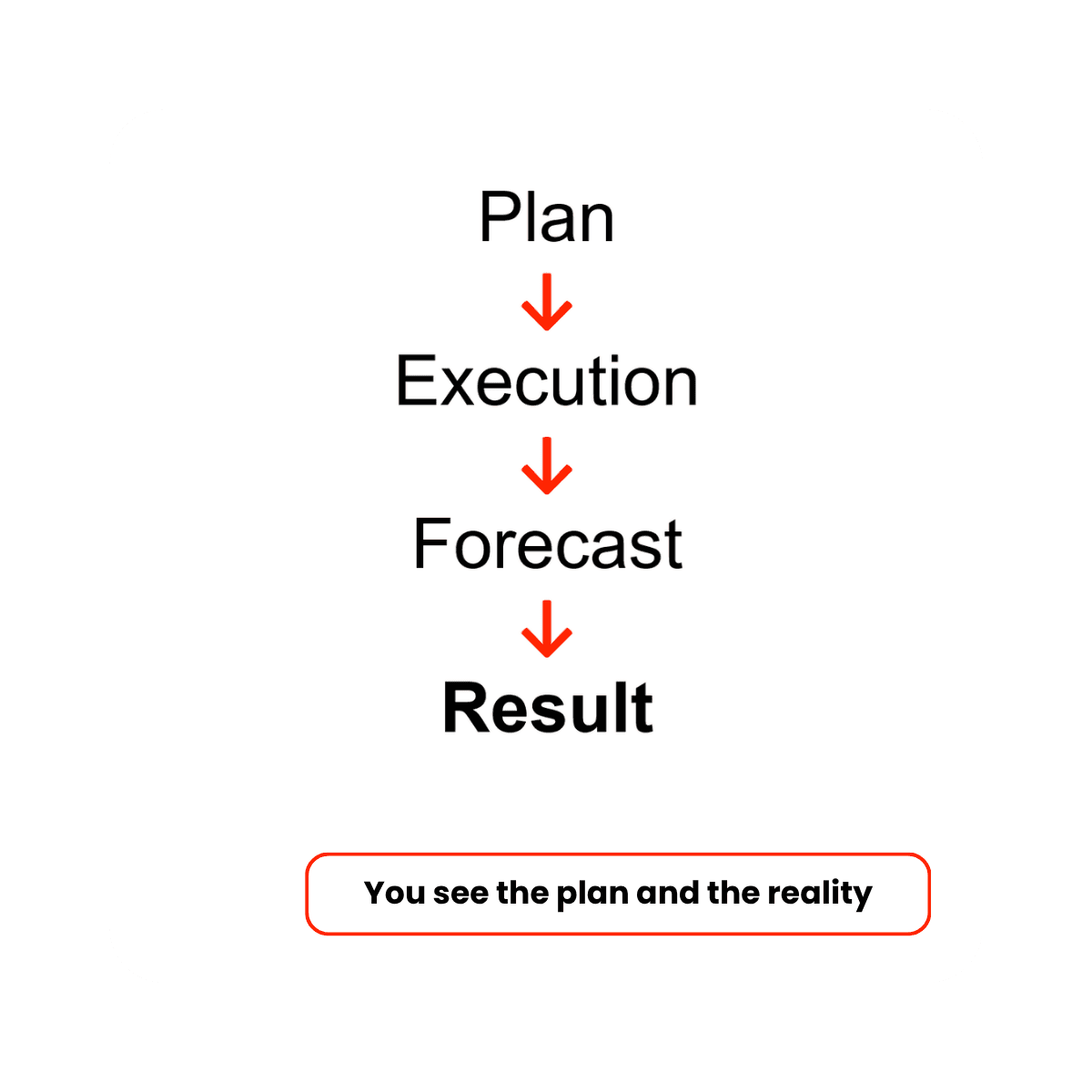
Project Controlling automatically links the project plan with actual execution – costs, revenues, payments and financing.
Plan
Project budget, planned costs and revenues, financial schedule.
Execution
Actual costs and revenues, invoices, payments, and bank flows.
Forecast
Future costs and revenues, planned payments, and financing needs.
Result
Current result and forecasted project final result—accrual and cash basis.
Manage the project
as a whole.
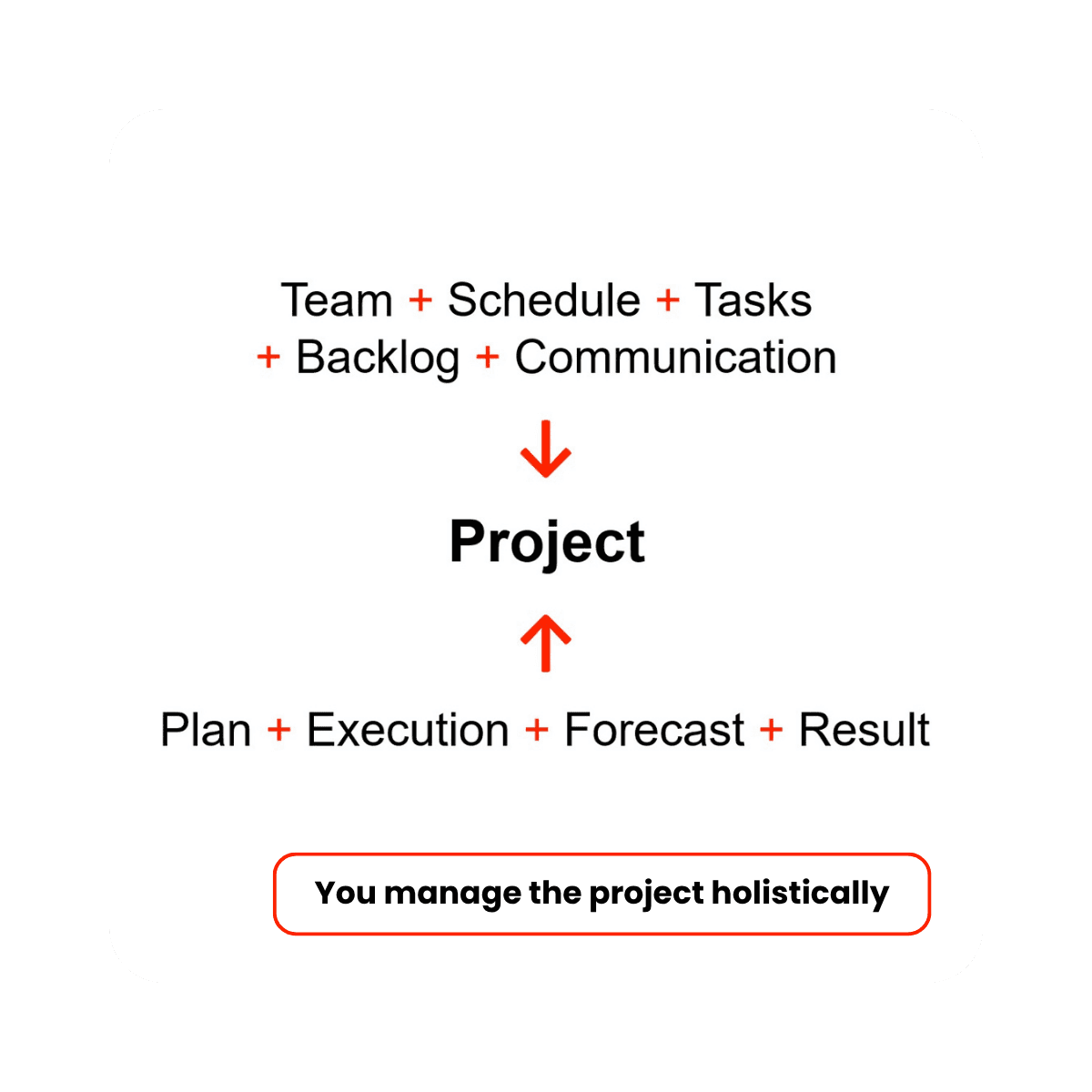
Project controlling allows you to combine project financial management with its ongoing organization and implementation.
In a single environment, you can also:
- manage the schedule, stages, tasks, and your project team,
- control task dependencies,
- record issues arising during project implementation and manage backlog,
- analyze project progress, Gantt charts, critical path etc.,
- ensure communication between people involved in specific project processes,
- use other CFOall.com modules of your choice.

You don't have to change the way you manage a project today.
You can use Project Controlling as a complete project management environment — from schedule and tasks to financials.
You can also use only selected areas.
If you already manage your schedule and tasks in another system or in Excel, you can easily import the data into CFOall and manage the project’s financials and controlling there.the project’s financials and controlling there.
You use what you need.
One project. Different roles.
A common picture.
The Investor/ Project Sponsor
views the project from the perspective of its implementation and outcome.
The Project Manager
manages implementation, schedule, tasks, and reports.
General Contractor / Task Managers
control their areas of responsibility.
The Budget Auditor
monitors budget execution and variances.
The Product Owner
controls the implementation and quality of the product being developed within the project.
Their common denominator is:
One current project information instead of many independent versions of reality.


Project Controlling
is not an after-the-fact report.
A report shows what happened.
Controlling should also show what it means for the project’s future implementation.
Therefore:
You can react when something can still be changed –
not when the project has already been settled.
For companies that make money on projects.
- Developers and investors
- Construction
- Project-based production
- Custom machinery and equipment
- Large contracts
- Investment projects


You don't just know what happened in the project.
You know where it's headed financially.
Find out how to monitor the profitability of your project on an ongoing basis.
Show us your project.
We’ll see where your data is today and show you what your current project and budget control might look like.